 SwipeWipe

Photo Cleaner for iPhone
20k+
5-Star Reviews
1M+
Downloads
An iPhone photo cleaner that feels more like swiping than sorting.
SwipeWipe helps you clean up iPhone photos with simple left-or-right decisions across duplicates, similar shots, screenshots, Live Photos, and large videos, so the whole process feels lighter from the start.

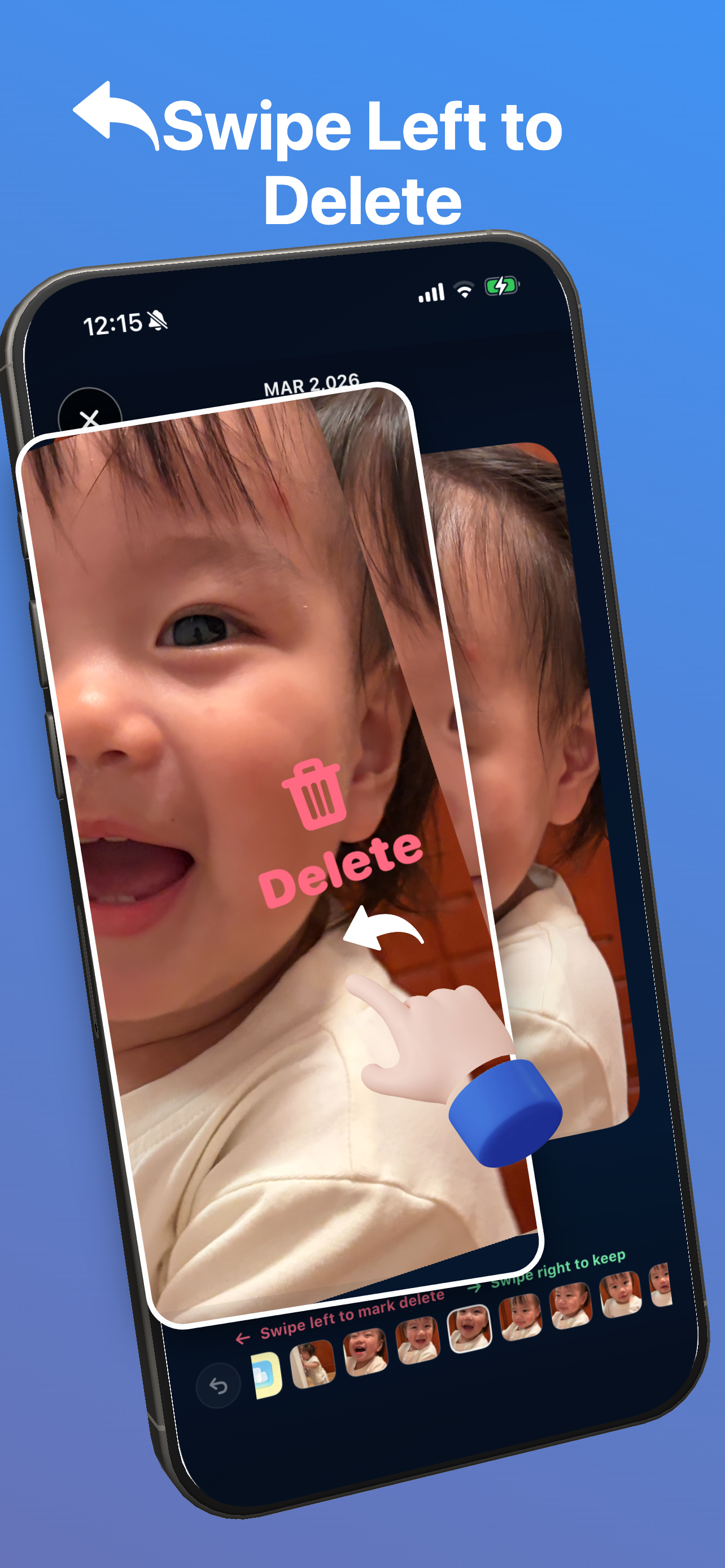
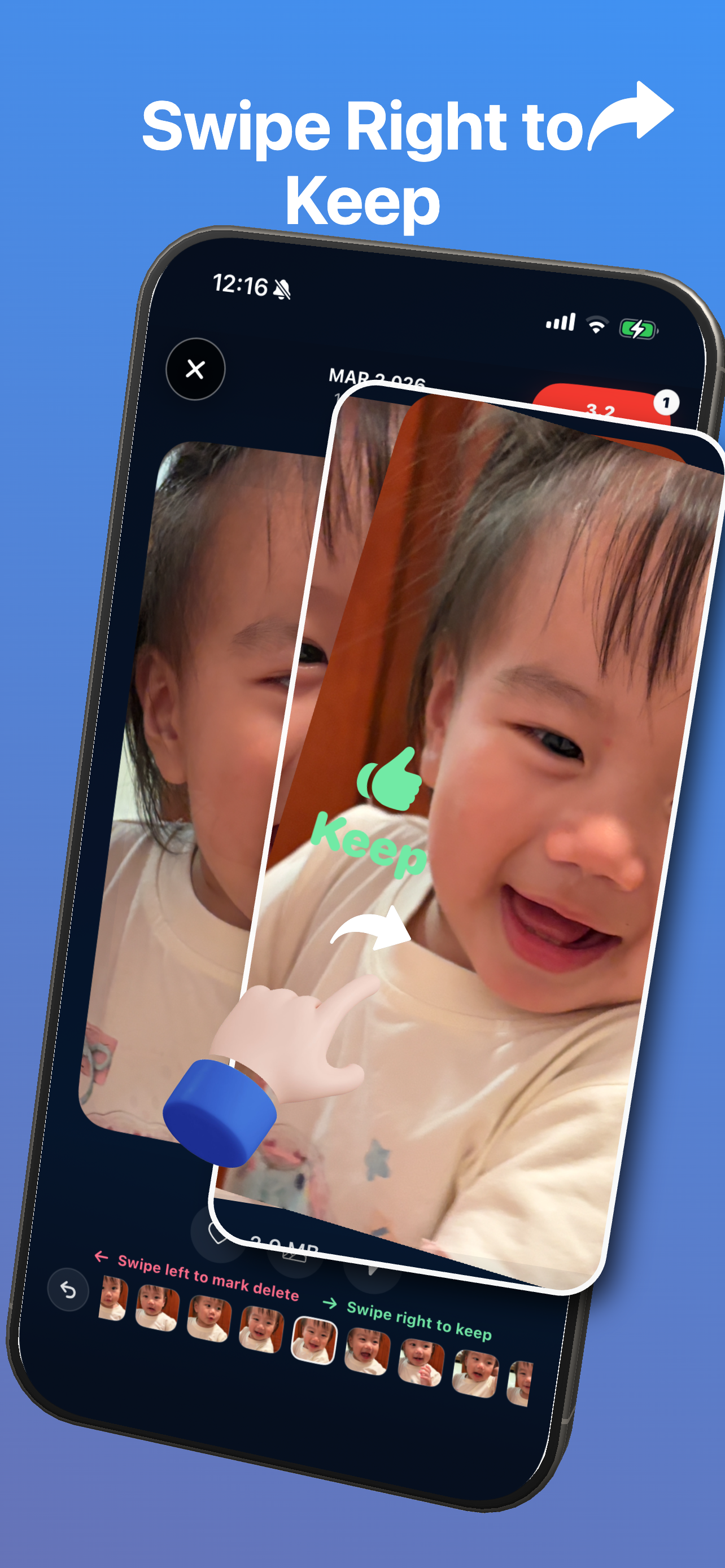
Swipe like cards
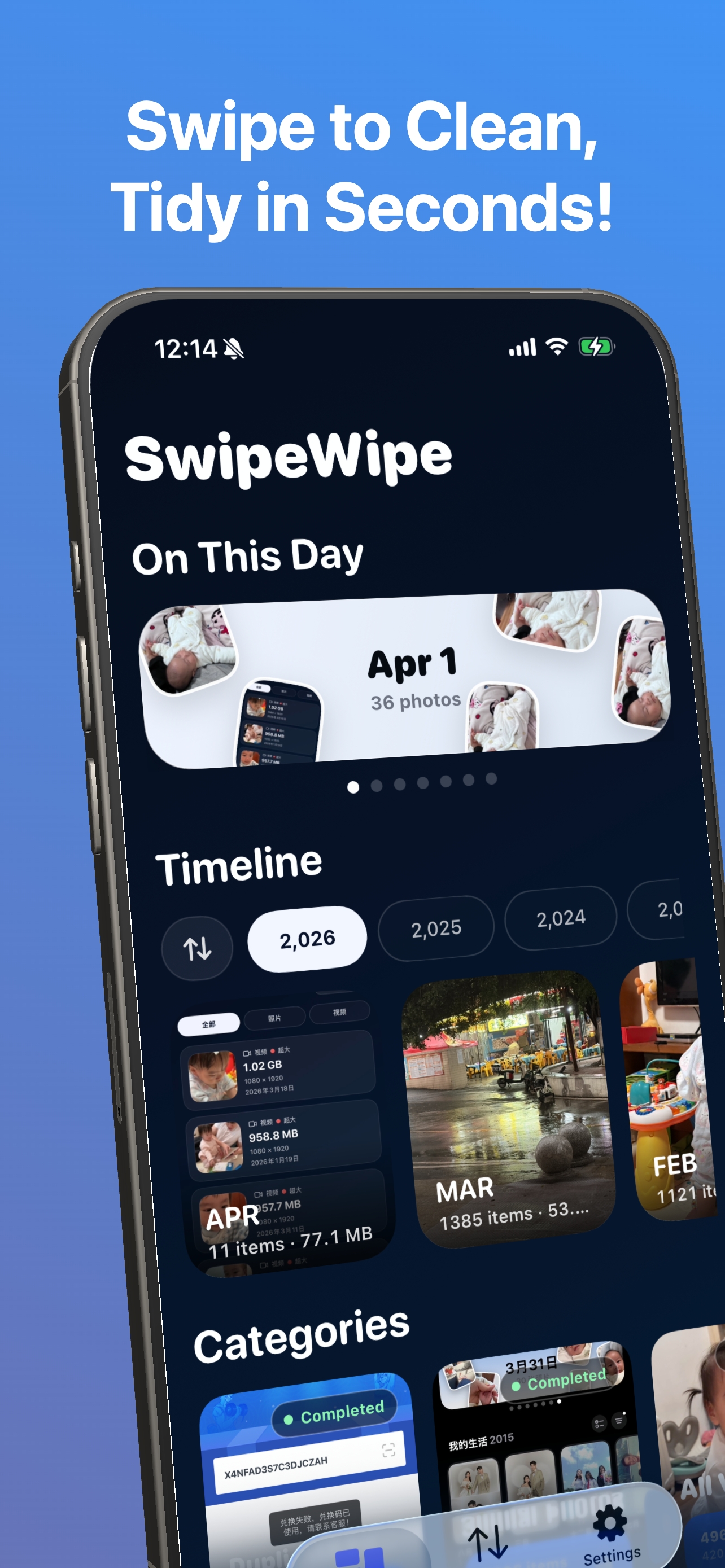
Browse by month
Rediscover memories while you clean

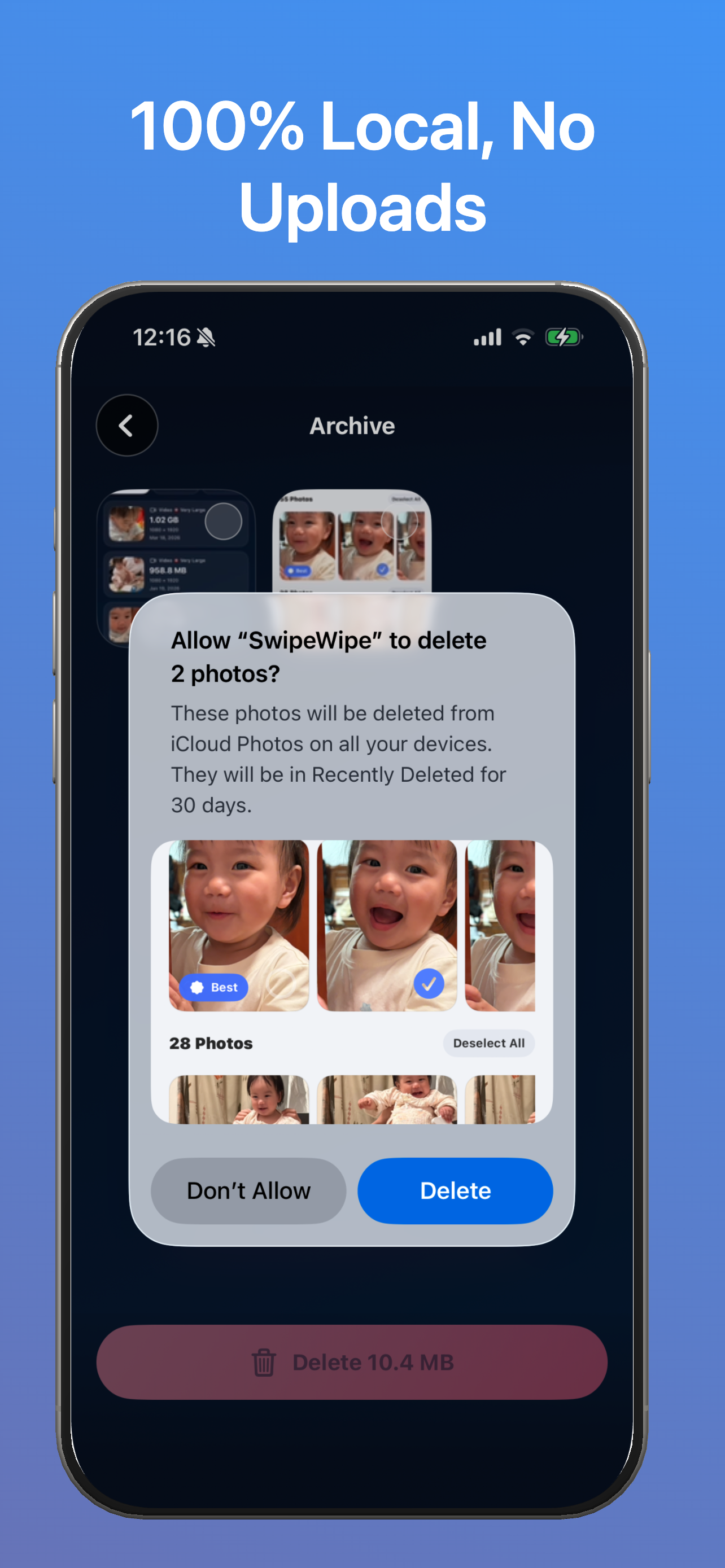
Loved by 20k+ users
From App Store reviews around the world
This app is such a lifesaver
App Store review
It quickly surfaces duplicates and low-value clutter, and I can clean up my library in minutes instead of putting it off for weeks.
Photo cleanup finally feels fast and satisfying
App Store review
I love the swipe gesture. It feels intuitive right away, and it saves me so much time when my camera roll starts getting out of hand.
Finally, a cleaner that actually feels good to use
App Store review
It catches similar shots surprisingly well without making me feel like I am about to lose something important. My phone feels lighter already.
Simple, clean, and genuinely effective
App Store review
No cluttered setup, no confusing flow. I opened it, started swiping, and made real progress immediately. It is the easiest cleaner I have tried.
Perfect if your photo library has become overwhelming
App Store review
It helps me keep the photos I care about and clear the rest without second-guessing every decision. I wish I had found it earlier.
The smart cleanup suggestions are excellent
App Store review
It surfaces the photos I would never have bothered to find on my own. My library looks cleaner and feels much more manageable now.
Easy to learn, fast to use, and reliable
App Store review
I have tried a few photo cleaners, and this is the first one that feels efficient without feeling risky. It is absolutely worth it.
I love the design and the swipe-to-delete flow
App Store review
There is something surprisingly satisfying about cleaning your camera roll this way. I would recommend it to anyone with thousands of photos.
So good for freeing up storage space
App Store review
It makes storage cleanup feel much less painful. I was able to clear space quickly without feeling like I was attacking my whole photo history.
Friendly, polished, and great on my iPhone
App Store review
The scans are quick, it runs smoothly, and it does not make cleanup feel stressful. If you take a lot of photos, this is a great app to keep around.
How It Feels
An iPhone photo cleaner that starts by feeling less overwhelming.
Most photo cleanup apps begin with messy categories and bulk actions. SwipeWipe starts with a calmer rhythm: open a month, swipe through your photos, and make lighter decisions with less friction.
Move through your camera roll like a deck of cards
Swipe left to clear, swipe right to keep. Each decision feels faster, more visual, and less emotionally heavy than traditional cleanup.
Work month by month instead of facing everything at once
Browsing by timeline breaks a huge library into smaller cleanup sessions that feel far easier to start and finish.
Make space while rediscovering moments you forgot were there
When old photos, overlooked videos, and small memories resurface along the way, cleanup feels less mechanical and more human.
Swipe Story
Watch the cleanup flow in motion.
The swipe interaction is the emotional center of the app. It is what makes cleanup feel less like sorting files and more like moving naturally through your camera roll.
Swipe left to mark delete. Swipe right to keep. One photo at a time.
Open a month
Start somewhere manageable instead of confronting your full photo library in one giant wall.
Swipe through moments
Decide visually and quickly, with the same gesture again and again until the session feels complete.
Keep what still matters
Make space while still feeling connected to the photos worth keeping around.
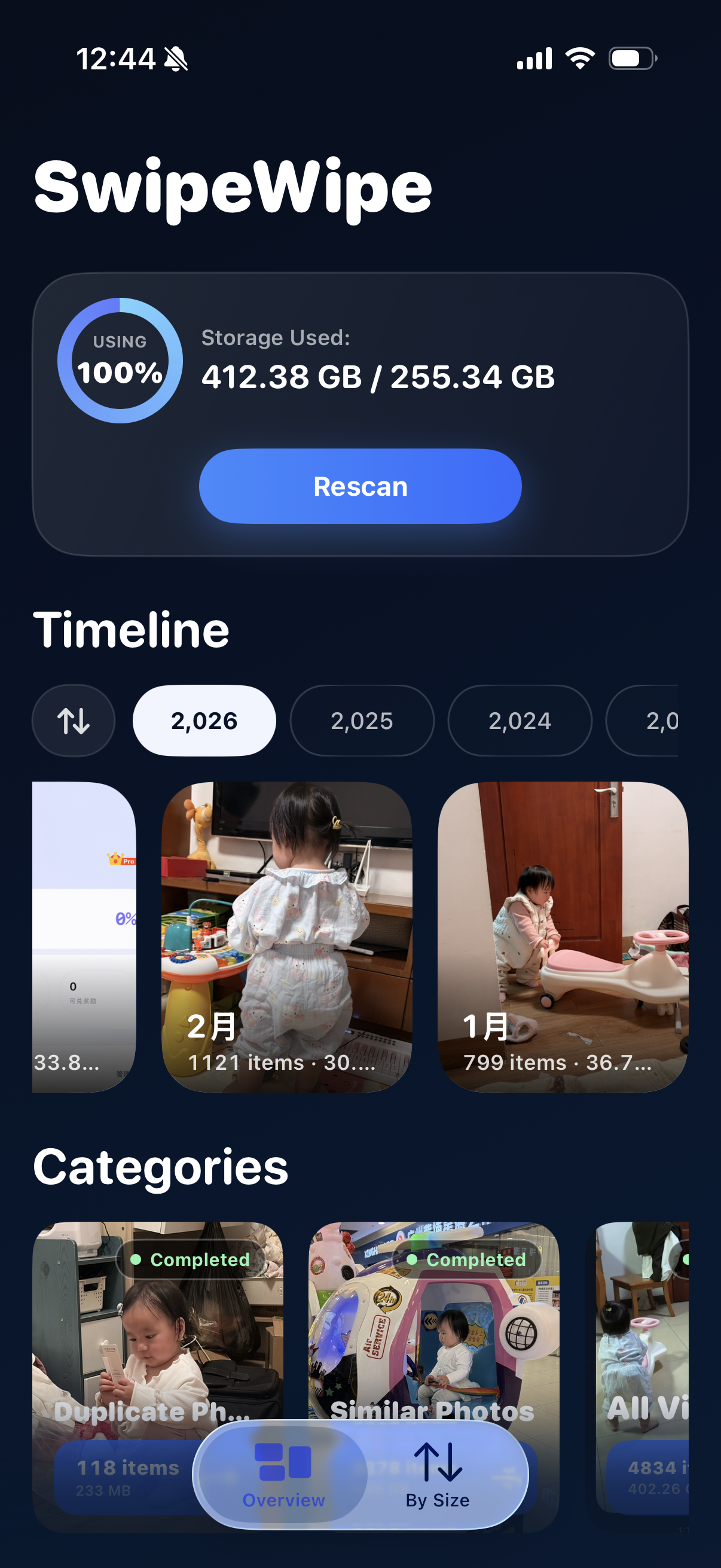
By Month
Browse your camera roll by month so cleanup feels less heavy.
SwipeWipe lets you review your library in a way that feels more like paging through time than managing clutter. That makes it easier to start, easier to stop, and easier to come back later.
- Open a year or month and focus on a smaller slice of your library.
- See old moments resurface while you clean, instead of losing yourself in a giant photo backlog.
- Turn cleanup into a repeatable habit rather than a once-a-year task.
Feature Proof
When you need something more specific, the cleanup tools are still there.
SwipeWipe is not only about one interaction. It is also built for the clutter that tends to accumulate quietly: duplicates, similar shots, screenshots, Live Photos, and large videos.
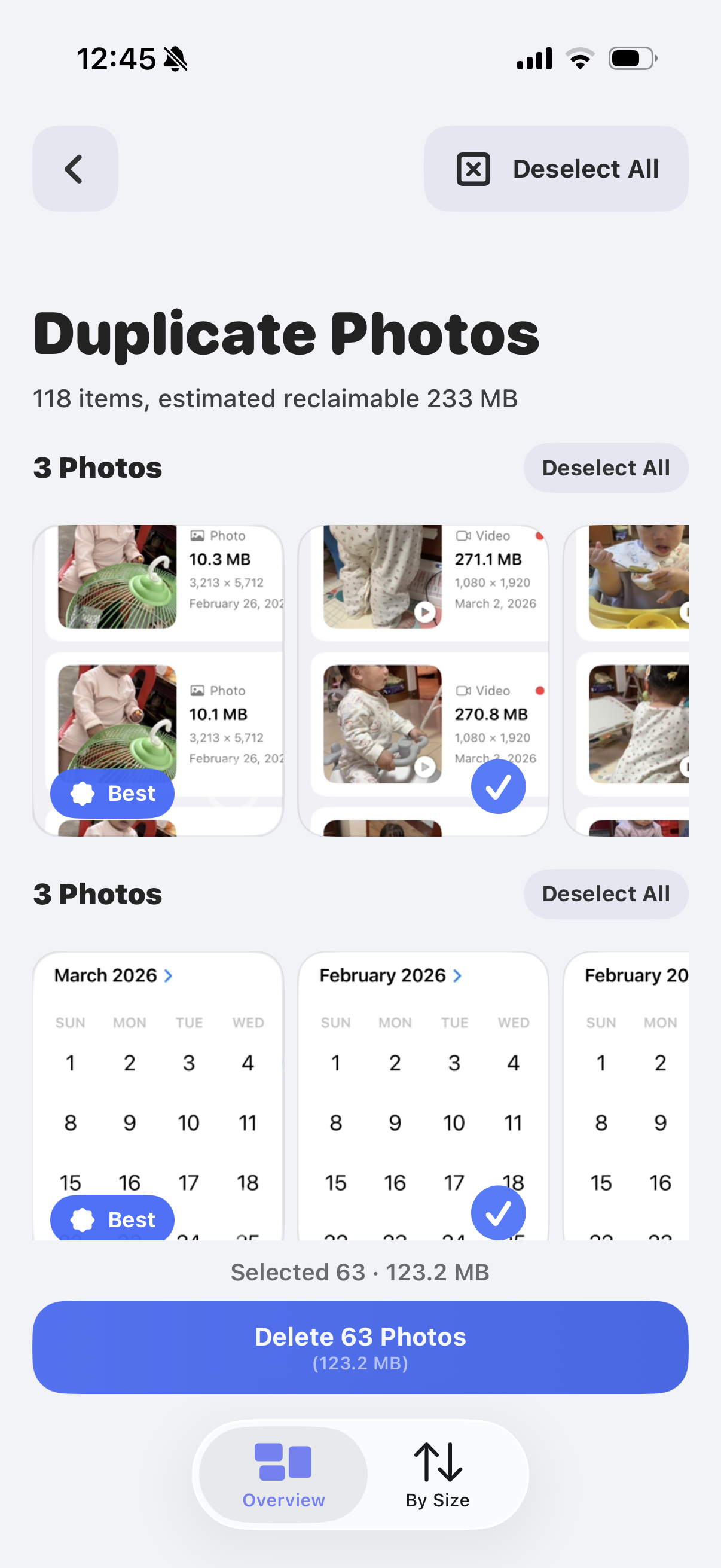
Delete duplicate photos
Clear obvious repeat shots without turning duplicate cleanup into a long manual review.
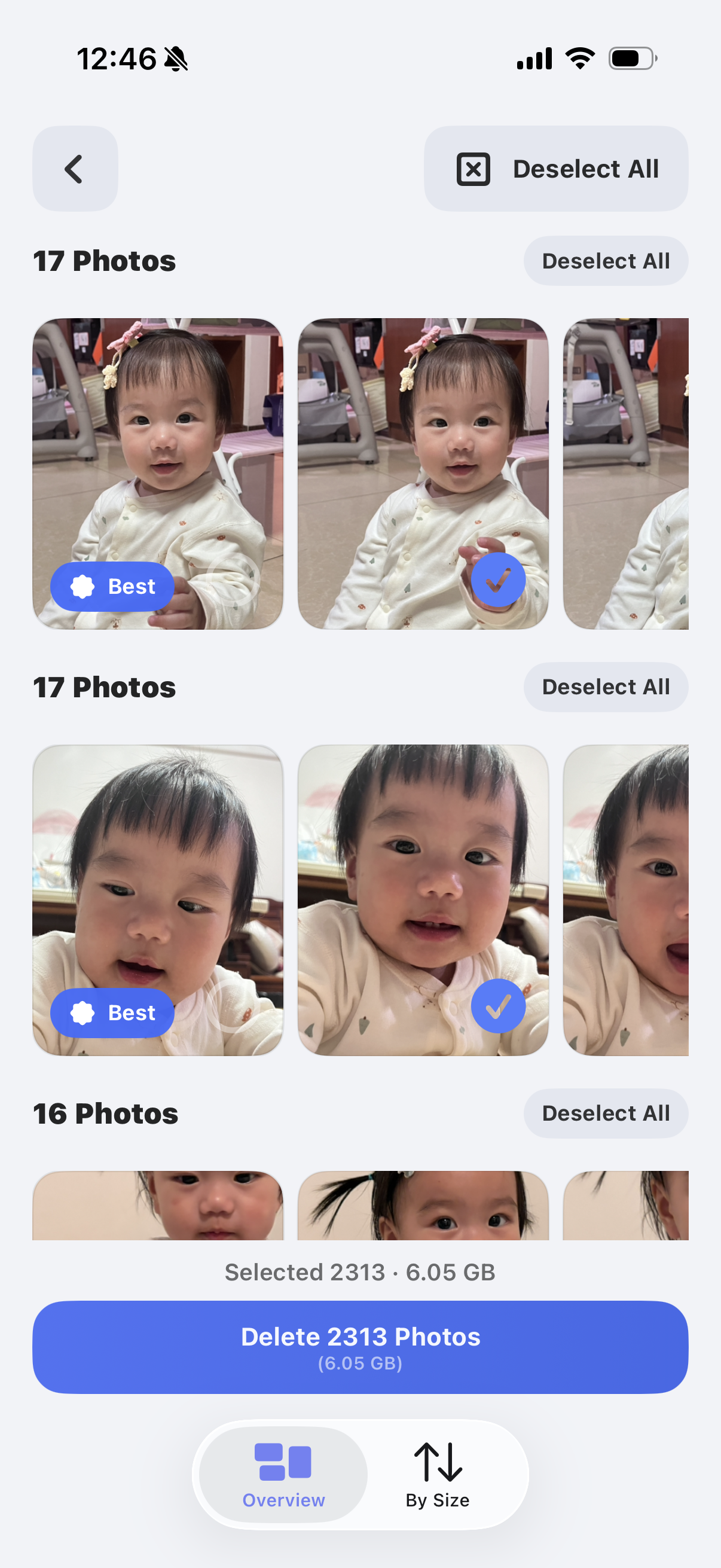
Review similar photos
Make cleaner decisions when several photos feel almost identical at first glance.
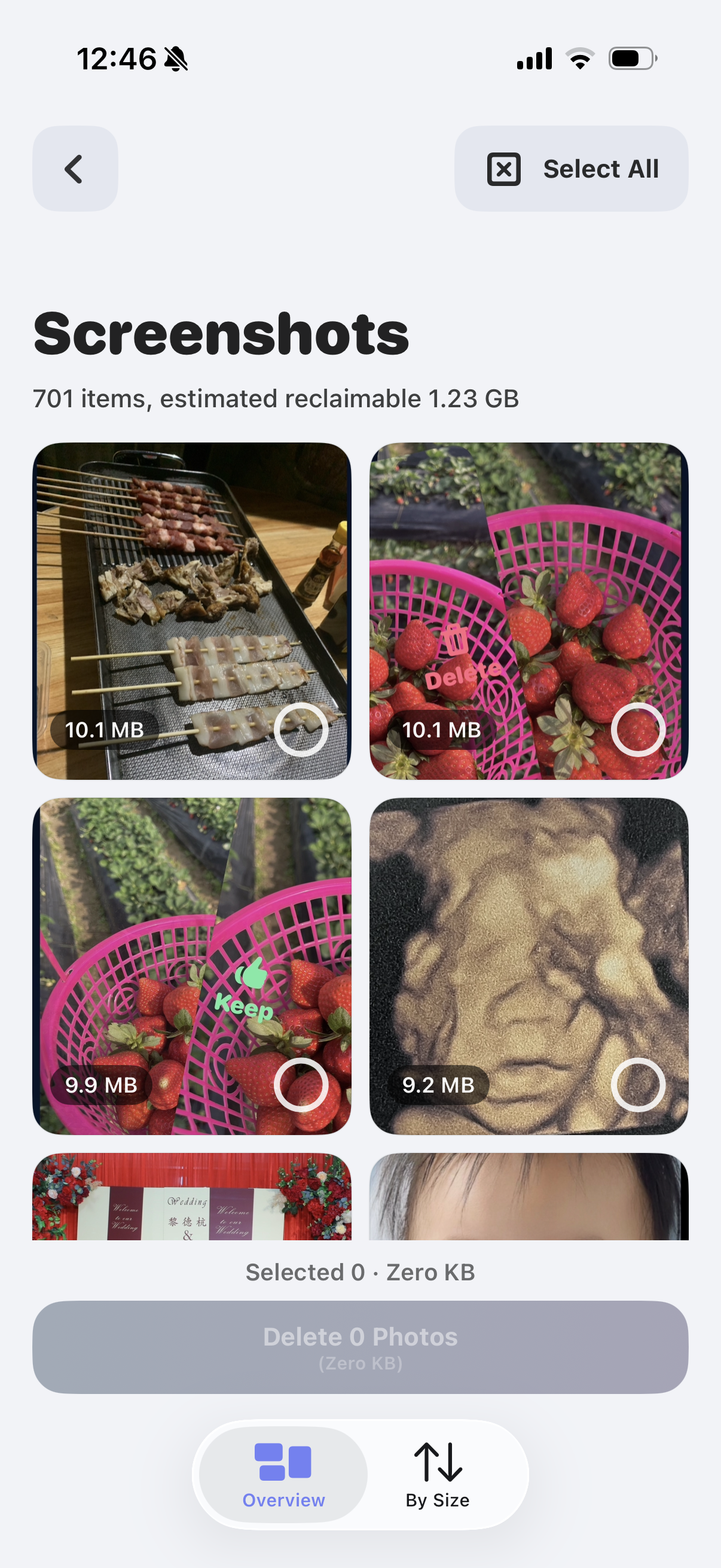
Clear screenshot clutter
Quickly remove throwaway references, receipts, and saved chats that keep piling up.
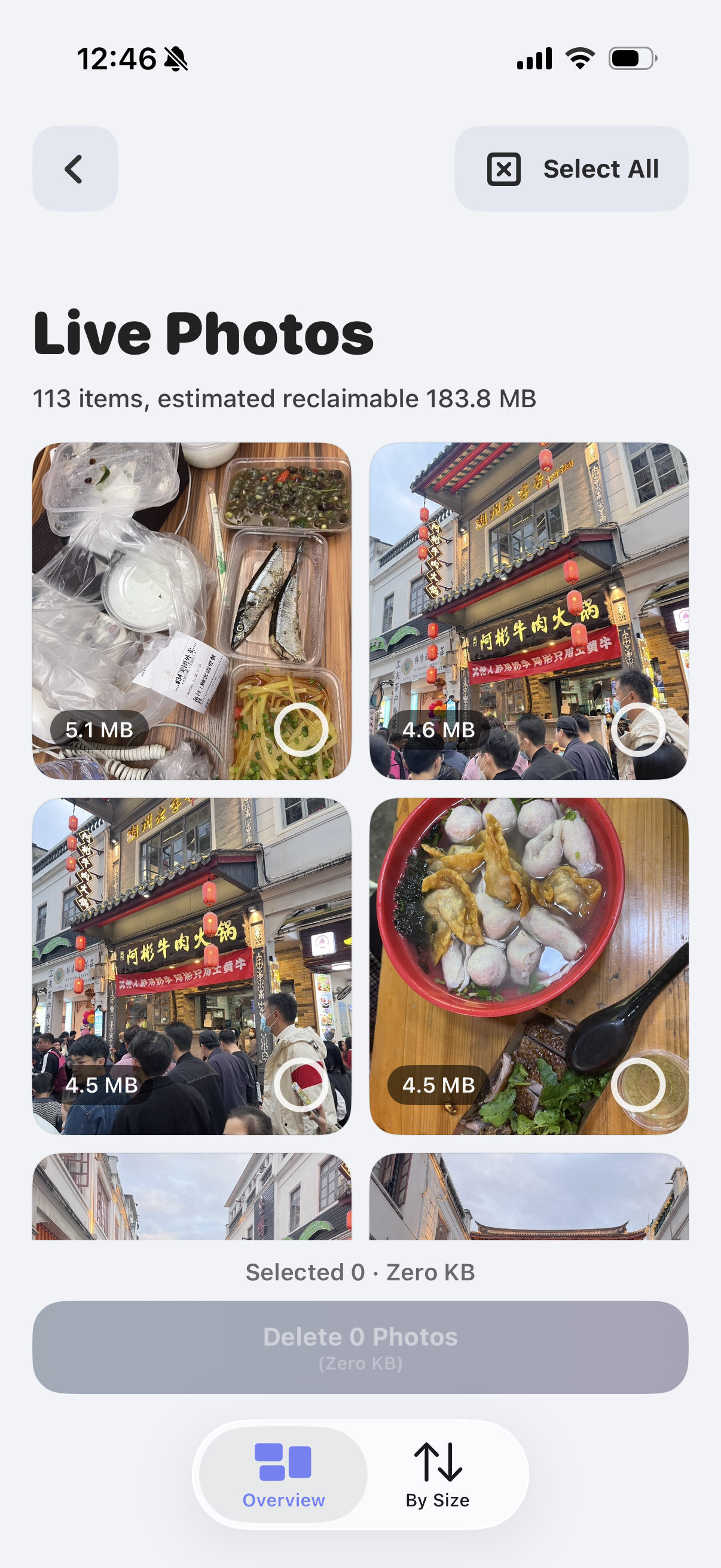
Trim Live Photos
Review memory-heavy Live Photos when you want a lighter library without losing everything meaningful.
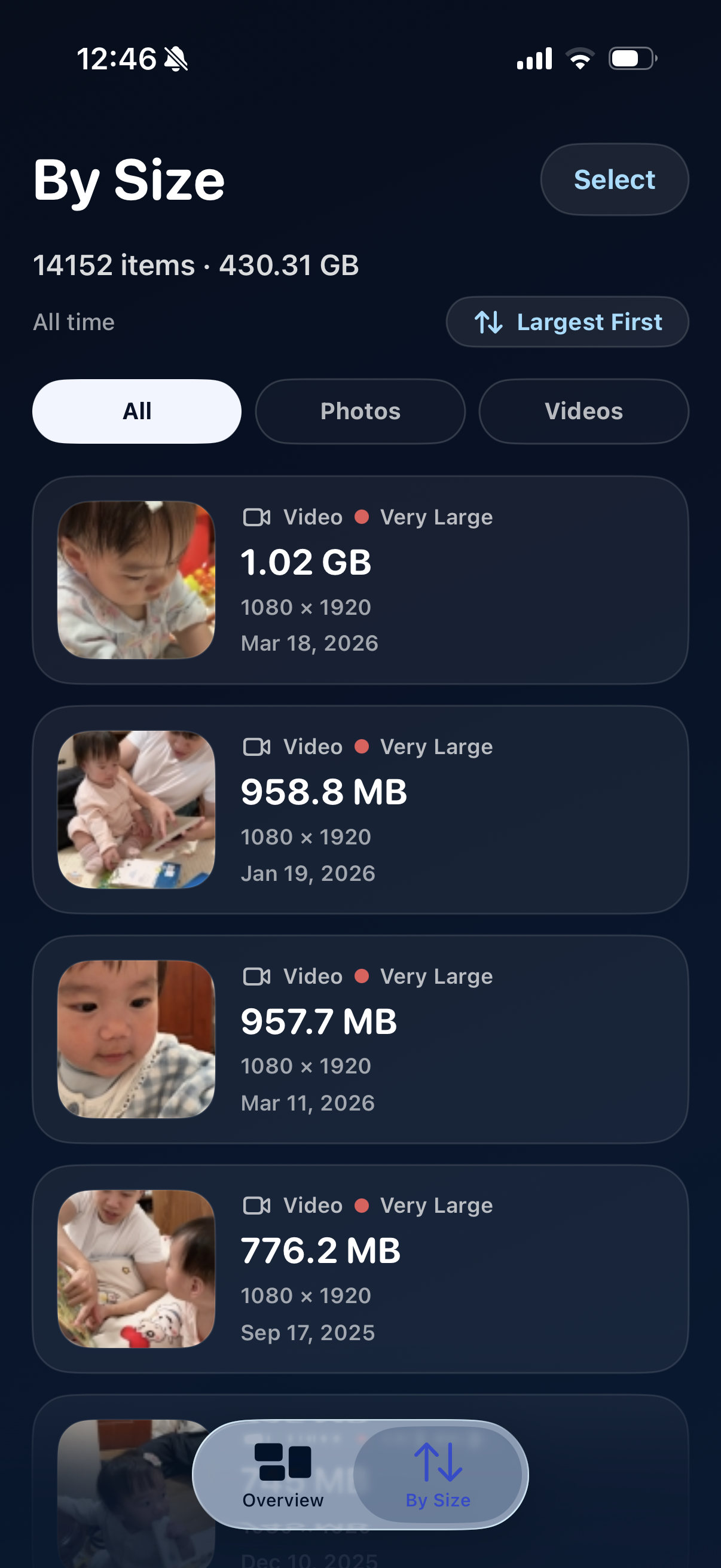
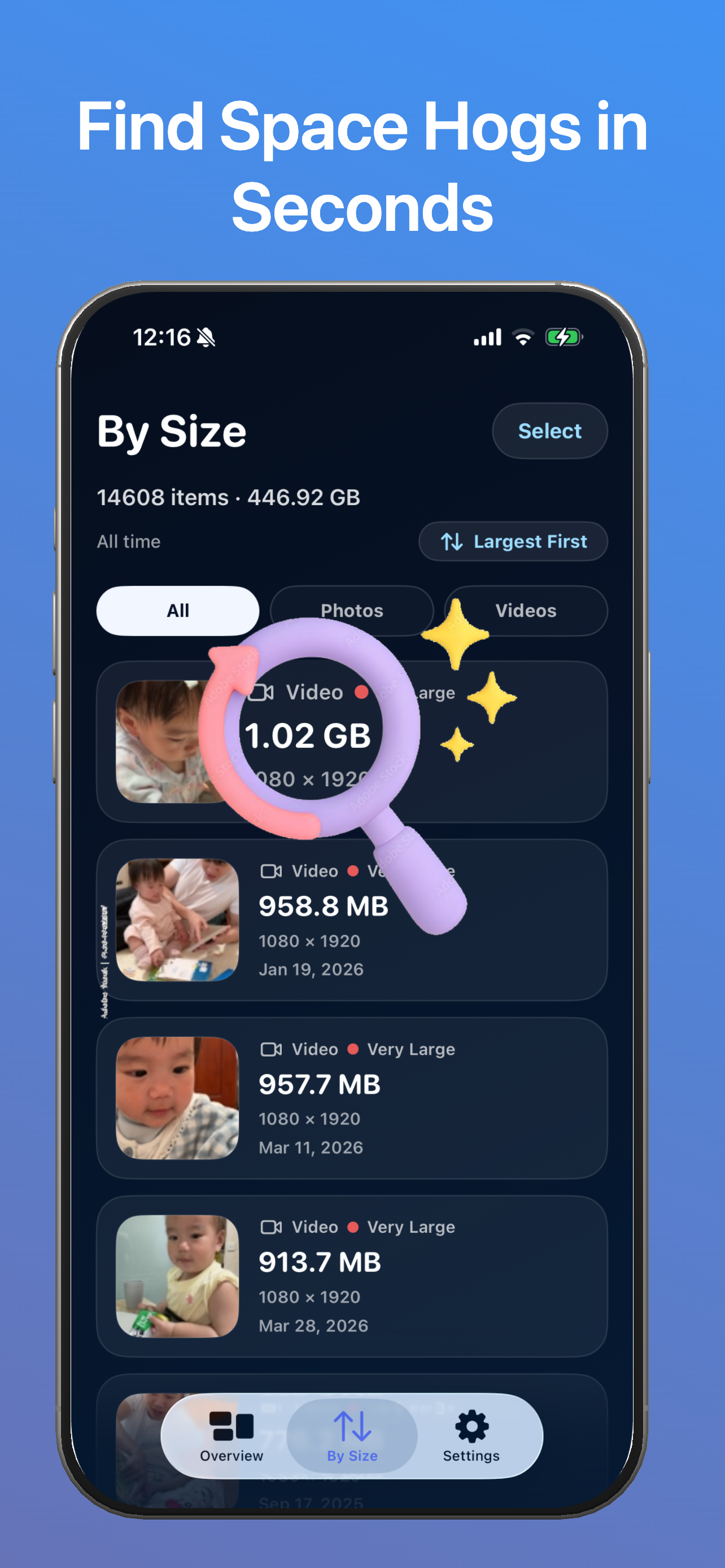
Find the largest videos first
Spot the biggest storage offenders before they quietly take over your phone.
Start Here
Three clearer ways to start cleaning up your library.
Instead of browsing a long list of pages, start with the problem that feels most obvious right now: duplicates, similar shots, or storage pressure.
Remove repeated photos without losing the one you want.
Best when burst leftovers, copied images, and saved duplicates are the biggest source of clutter.
Open duplicate cleanup →Compare near-identical photos and keep the best moment.
Best when the hard part is choosing between several almost-the-same shots instead of deleting obvious copies.
Open similar-photo cleanup →Free up iPhone space with a calmer, safer cleanup order.
Best when your main pain is low storage and you want to start with the easiest high-confidence wins first.
Open storage cleanup →
FAQ
Questions people ask before trying SwipeWipe.
Is SwipeWipe only for duplicate photos?
No. The swipe-first experience is broader than duplicate cleanup. You can browse by month, review similar shots, clear screenshots, trim Live Photos, and sort videos by size.
Why does swiping feel easier than batch cleanup?
Because it turns photo cleanup into a sequence of lighter visual decisions. You are not trying to organize your whole library in one sitting.
Is SwipeWipe more about storage or organizing memories?
Both. It helps you make space, but it also makes the act of cleaning your library feel less mechanical and more reflective.
Can I start with one month instead of everything?
Yes. That is one of the main points of the experience. Moving month by month is what helps cleanup feel manageable.