Who this comparison is for
People whose iPhone library feels crowded because of duplicates, near-duplicates, screenshots, and general photo clutter rather than generic file management.
 SwipeWipe
The right app should help you remove duplicate photos, compare similar shots, clear screenshots, and stay in control while you clean. If it cannot do those well, it is probably not the best fit for a crowded iPhone library.
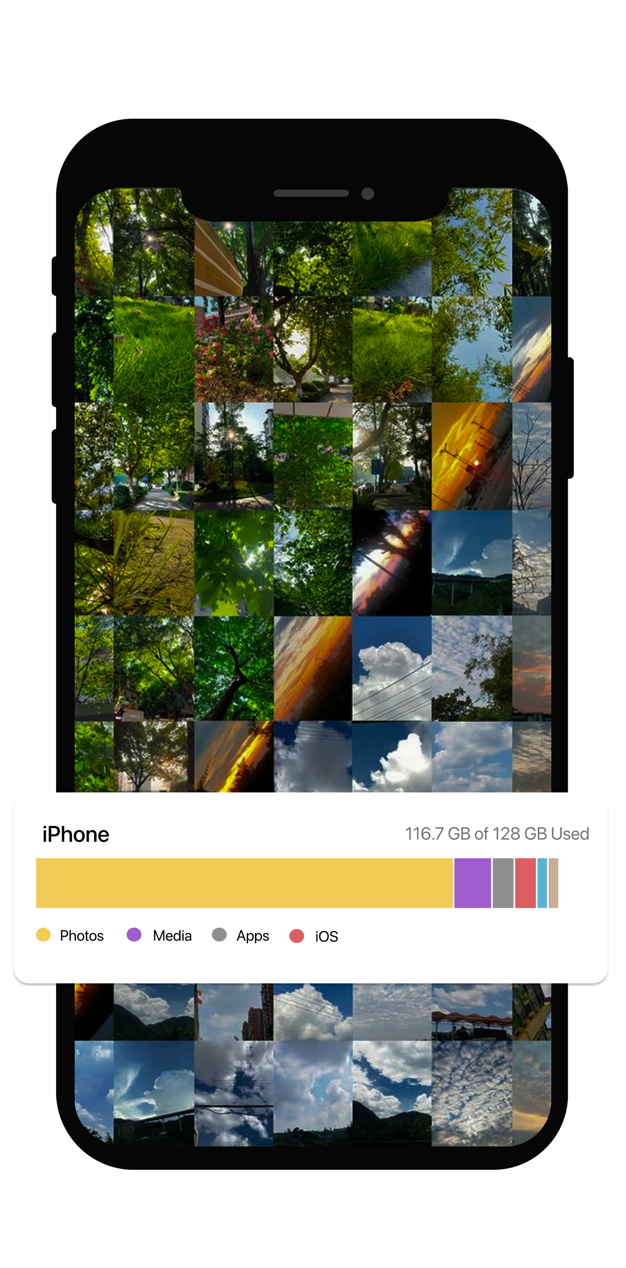
Use this page to evaluate what “best” should mean, then open the product page that matches the exact clutter problem you need to solve first.
People whose iPhone library feels crowded because of duplicates, near-duplicates, screenshots, and general photo clutter rather than generic file management.
This comparison uses workflow criteria: duplicate cleanup, similar-photo review, screenshot handling, storage relevance, and how much manual control the app preserves.
Reviewed on April 15, 2026 to keep the comparison focused on current page structure, product positioning, and the cleanup jobs the site is actually claiming to solve.
“Best” depends on the kind of clutter you actually have. These are the capabilities that matter most when your problem lives in the Photos library.
A strong app should make exact-repeat cleanup faster without making you guess which copy is safe to remove.
This is where many cleaners fall short. Near-duplicates need comparison, not just batch deletion.
Screenshot clutter is one of the easiest wins in a crowded library, so it should have a clear path too.
The best apps still let you review before you delete, especially when the photos have real emotional value.
The app should help you connect cleanup categories to the broader goal of reclaiming storage, not just list files.
A good workflow makes cleanup feel short enough to repeat, which matters more than a one-time purge.
This is not about claiming perfection. It is about whether the product matches the cleanup problems real iPhone users are trying to solve.
Look for dedicated paths for duplicates, similar photos, or screenshots instead of one vague “clean now” promise.
The best tools for sentimental content give you enough control to decide what stays.
If the workflow still feels heavy, you probably will not keep using it and the backlog will return.
The app should make it obvious how duplicates, screenshots, and similar shots contribute to the bigger storage problem.
The point of this page is to help you judge fit, not to pretend every iPhone cleaner should be measured by the same standard.
This page focuses on whether the product helps with real photo-library jobs like duplicates, similar shots, screenshot clutter, and storage relief.
If you want a generic device cleaner for apps, downloads, or system files, this is not the right comparison standard.
Once you know which criterion matters most, the next step should be the matching product page, not another vague landing page.
The best fit is the one that solves your actual clutter problem with enough review control to feel safe. For many users, that means strong duplicate cleanup, similar-photo review, screenshot handling, and a workflow that supports storage cleanup too.
Because many crowded libraries are not full of exact copies. They are full of near-identical photos where choosing the keeper is the real job.
No. It is also positioned around similar-photo cleanup, screenshot cleanup, and broader storage relief, which is why those pages exist separately on the site.
Open the focused landing page for duplicates, similar photos, or storage cleanup depending on your main problem.
Open the product page that matches the criterion you care about most.