 SwipeWipe
Family photo guide
How to organize baby photos on iPhone
Baby photos pile up because every smile, milestone, bath, nap, and first-step attempt feels worth keeping. The trick is not deleting aggressively. It is sorting in a calmer order so you keep the best moments without feeling buried by the volume.
Best companion pages
These are the routes that usually help once baby-photo clutter starts affecting storage too.
Quick answer
The easiest way to organize baby photos on iPhone is to work month by month, clear exact duplicates first, review similar shots in short sessions, and save storage-focused cleanup for the low-value clutter around the real memories.
Open one month at a time
That turns a giant emotional backlog into a much smaller story you can actually finish.
Remove true repeats first
Exact duplicates, accidental saves, and extra copies are the safest place to start.
Pick the standout baby photos
Choose the smile, expression, or moment you know you will want to revisit later.
Stop after one short session
Parents need a workflow that can be repeated in ten-minute pockets, not a once-a-year marathon.
Why baby photos become hard to manage
Baby-photo clutter is not random clutter. It grows from love, routine, and the feeling that every tiny change might matter later.
Milestones create bursts of photos
First smiles, tummy time, messy meals, naps, and holiday outfits often create dozens of similar shots in minutes.
Family sharing creates duplicates
AirDrop, text threads, exports, and edited copies can quietly create repeated versions of the same moment.
The library grows faster than your time
What starts as a few cute photos quickly becomes a camera roll you never have time to sort properly.
The emotional challenge of deleting family photos
The hard part is not technical. It is emotional. Family photos feel loaded with future meaning, which makes even obvious cleanup decisions feel heavier than they should.
You are not deleting "just a photo"
- You are often deciding between tiny variations of the same memory.
- That is why deletion feels different here than it does for screenshots or downloads.
Guilt can freeze the whole process
- If every decision feels emotionally loaded, you are more likely to avoid cleanup entirely.
- The answer is a gentler workflow, not more pressure.
Good organization is really selective preservation
- The goal is not to keep less because the moments do not matter.
- The goal is to protect the moments that matter most by reducing the noise around them.
Why sorting by month works better than random cleanup
Month-based cleanup is especially useful for family libraries because it follows the way parents naturally remember growth and milestones.
It keeps context intact
You are reviewing one chapter of your baby's story instead of mixing newborn photos with today's camera roll.
It lowers decision fatigue
Smaller windows mean fewer comparisons and less emotional whiplash from jumping across years.
It makes it easier to come back later
Stopping at the end of a month gives you a natural checkpoint, which matters when cleanup has to fit around parenting life.
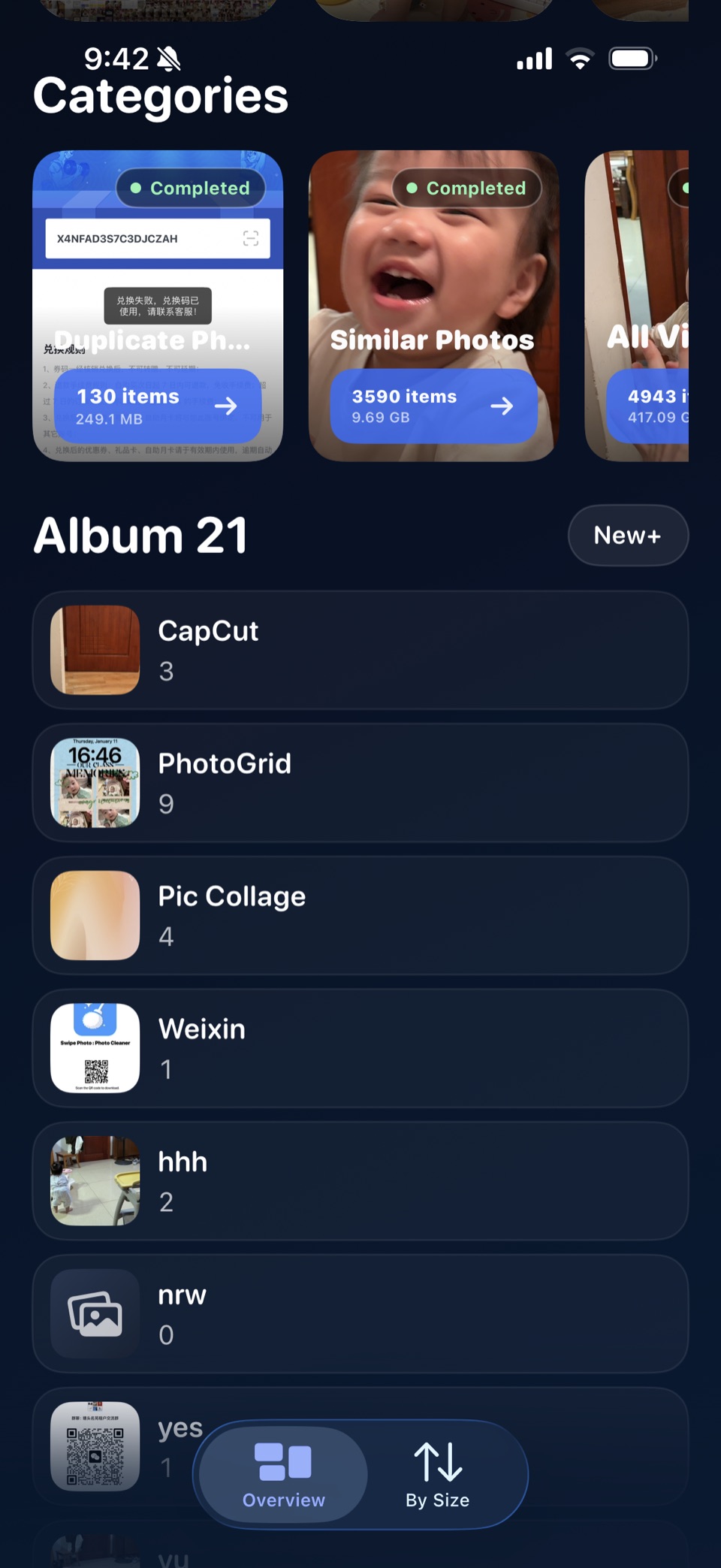
Monthly Review
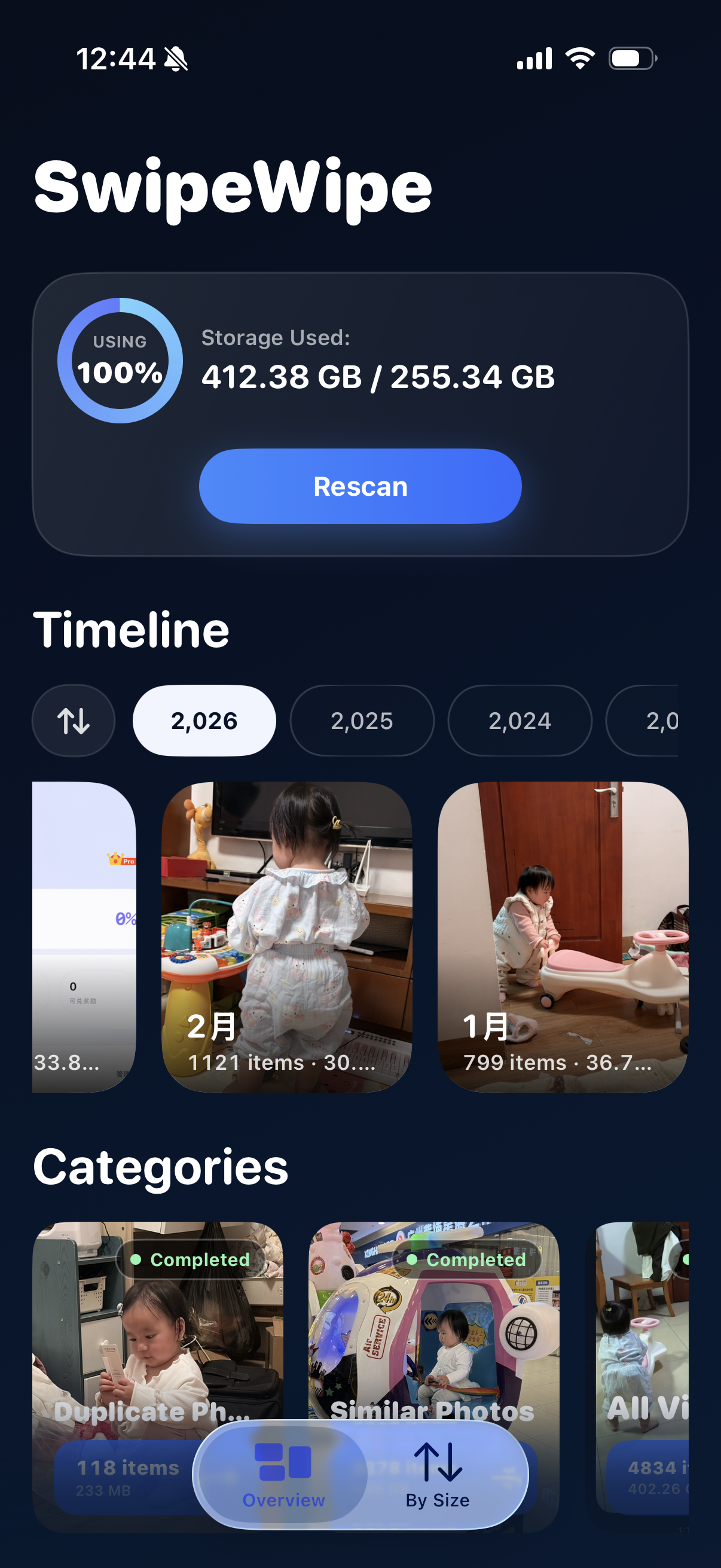
Family-photo cleanup feels lighter when albums and categories are easier to see
When your library is full of baby photos, the biggest win is often visibility. Seeing timeline context and cleanup categories in one place makes it easier to decide where to start without feeling guilty.
- Use month-based review when you want context around each stage of growth.
- Move into duplicates or similar shots only after you know which part of the timeline you are reviewing.
- Keep storage cleanup connected to the moments you actually want to preserve.
How to review similar baby photos without regret
Similar-photo review is where most of the clutter hides, especially for baby photos. The goal is not perfection. It is preserving the clearest version of each moment.
Choose the emotional winner
Keep the photo that best captures the smile, eye contact, gesture, or expression you actually want to remember.
Keep a second angle only if it adds meaning
If two photos tell the same story in almost the same way, you probably do not need both.
Use short review loops
When the photos are emotionally rich, shorter sessions make better choices than a long exhausted binge.
Use a focused app when manual review gets too slow
If similar-photo clusters are everywhere, a dedicated review flow like similar-photo cleanup is much easier than bouncing around the Photos app.
How to free up storage while keeping the best moments
Storage relief usually comes from the clutter around the baby photos, not from the best memories themselves.
Clear screenshot clutter first
Feeding logs, shopping lists, appointment details, and temporary references often outlive their usefulness.
Remove exact duplicates next
Shared copies and accidental exports can free space without forcing you to part with the real memory.
Save the careful family-photo review for last
Once the low-risk clutter is gone, it becomes easier to choose the best baby shots without feeling rushed.
A realistic workflow for busy parents
A good workflow has to fit naps, errands, and random quiet minutes. Otherwise the backlog just keeps growing.
Ten minutes, one month
- Open one month and clear the easiest clutter first.
- Stop as soon as you finish that slice of the timeline.
One similar-photo cluster at a time
- You do not need to solve the whole library in one session.
- One cluster finished is enough progress to keep momentum.
Use SwipeWipe when the library feels too big
- Month-by-month browsing and focused review can make family-photo cleanup feel lighter.
- That matters when the real problem is overwhelm, not just storage pressure.
FAQ
What is the best way to organize baby photos on iPhone?
Sort by month, remove duplicates first, review similar shots in short sessions, and keep the best emotional winner from each cluster.
How do I delete baby photos without feeling guilty?
Do not start with random deletion. Pick the standout photos first, then remove only the repeats and weaker variations around them.
What if my phone is full because of family photos?
Open clean iPhone storage and start with the low-risk categories that free space without touching your favorite moments first.
Can SwipeWipe help with similar baby-photo clusters?
Yes. It is useful when the hard part is reviewing many near-identical family shots without getting overwhelmed.
Related pages
Open the route that matches the next baby-photo cleanup problem you want to solve.