 SwipeWipe
Broad photo cleanup
Clean up iPhone photos without guessing where to start.
If your camera roll feels messy but you are not sure whether the real problem is duplicates, similar shots, screenshots, or low storage, this page gives you the broader route into the right cleanup path.
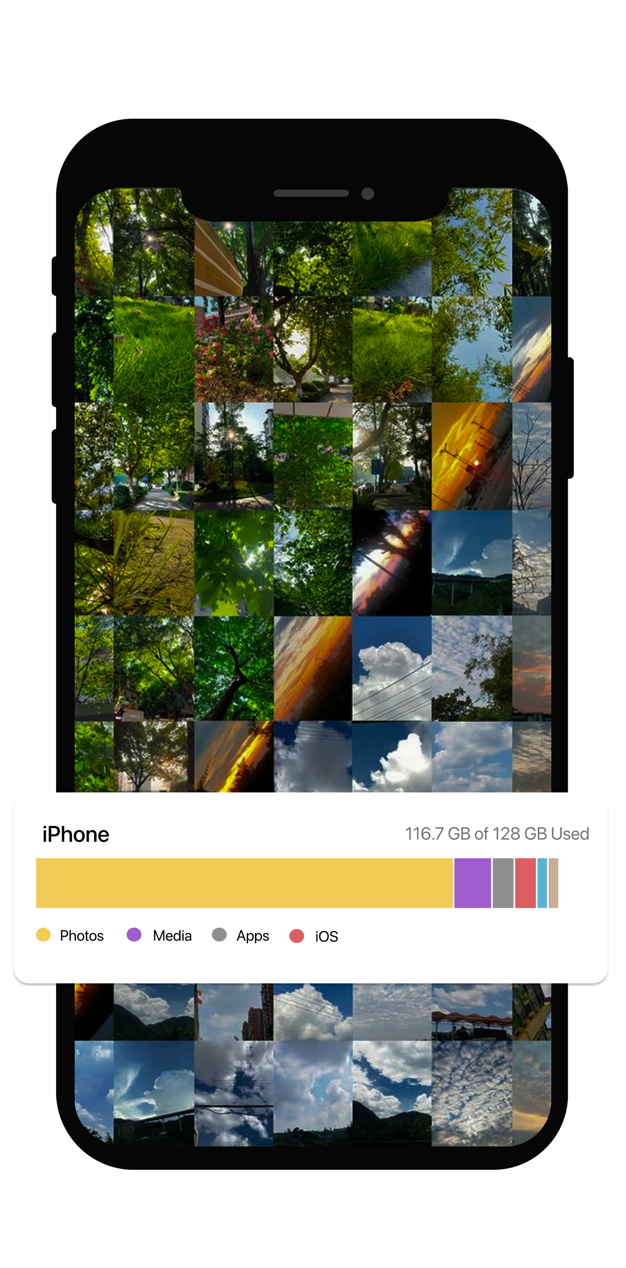
Best cleanup paths from here
Once you identify the main clutter type, move into the more focused page that matches it.
What “clean up iPhone photos” usually means in real life.
Most people do not start with a perfect diagnosis. They just know the library feels crowded, hard to browse, and harder to maintain.
Too many repeats
Bursts, downloads, imports, and edits create duplicate photos that quietly stack up over time.
Too many almost-the-same shots
Travel photos, pet photos, selfies, and burst-like moments often create similar-photo clusters that are hard to sort manually.
Too much low-value clutter
Screenshots, quick references, and throwaway images make the library feel noisy even before storage becomes a serious problem.
The smartest way to clean up iPhone photos
Do not start by deleting randomly. Start by separating the library into cleanup categories that are easier to review and easier to trust.
Clear screenshots first
They are usually the easiest low-emotion cleanup win and can make the library feel cleaner quickly.
Remove duplicate photos
These are often the safest space-saving opportunities because you are keeping the real image and removing copies.
Review similar shots carefully
Near-duplicates need more judgment, so they become easier once the obvious clutter is already gone.
Frame it as storage relief if needed
If the reason you started was low space, use the storage-focused path to keep that bigger goal in view.
How SwipeWipe helps with general iPhone photo cleanup
The product becomes more useful when you stop thinking about “cleaning photos” as one giant task and start treating it like a sequence.
It gives structure to a vague goal
- Broad cleanup intent turns into specific categories: duplicates, similar photos, screenshots, and storage pressure.
- That structure makes the work feel less chaotic.
It favors review over guesswork
- You keep the important shot first instead of deleting before you are sure.
- That makes cleanup feel more trustworthy, especially in photo-heavy libraries.
It supports momentum
- Quick wins like screenshot cleanup make it easier to keep going.
- A lighter library is easier to maintain before clutter builds back up again.
Which page should you open next?
Use the route that matches the biggest source of friction in your library right now.
FAQ
What is the best way to clean up iPhone photos?
The best method is to split the job into categories. Start with screenshots, duplicates, or similar-photo groups instead of trying to clean the full library in one undifferentiated pass.
Is this different from cleaning iPhone storage?
Yes. This page is broader and more photo-specific. The storage page starts from the result you want, while this page starts from the messy photo-library experience itself.
Where should I start if I am not sure what kind of clutter I have?
Start with screenshots if you want the easiest win, then move into duplicates, and then similar photos if near-identical shots are still crowding the library.
Can SwipeWipe help me keep the library tidy over time?
Yes. The biggest long-term value is turning cleanup into short maintenance sessions so the same photo clutter does not quietly rebuild.