Swipe through your library like cards
Left to clear. Right to keep. Cleanup feels lighter when each decision is visual, quick, and easy to undo mentally.
 SwipeWipe
SwipeWipe helps you clean up iPhone photos by swiping through duplicates, similar shots, screenshots, Live Photos, and large videos without making cleanup feel like a chore.
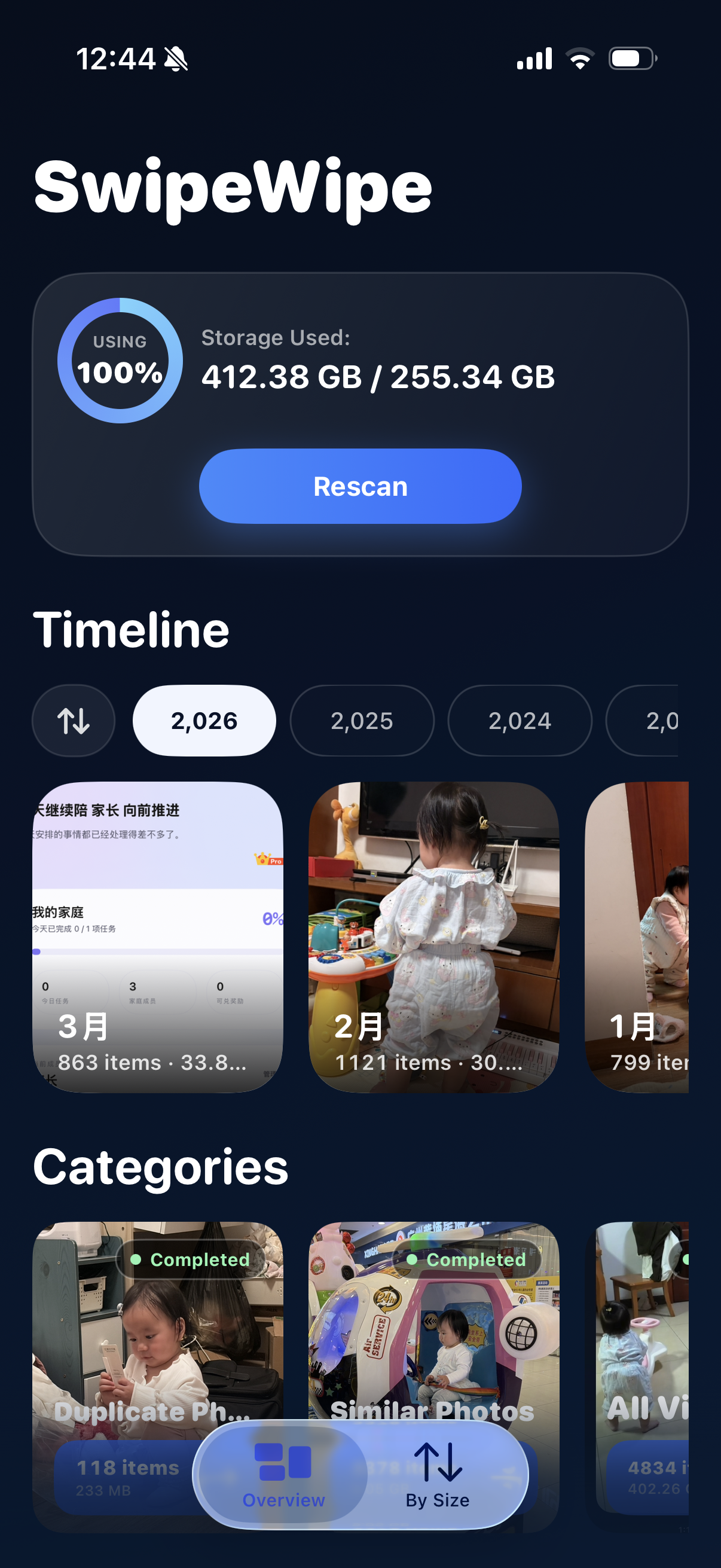
Most photo cleanup tools begin with clutter categories. SwipeWipe starts with a better rhythm: open a month, swipe through your photos, and decide with less friction.
Left to clear. Right to keep. Cleanup feels lighter when each decision is visual, quick, and easy to undo mentally.
Browsing by timeline turns an overwhelming photo library into a series of smaller sessions you can actually finish.
Cleanup stops feeling purely functional when old photos, forgotten videos, and little memories show up along the way.
The swipe interaction is the emotional center of the app. It is what makes cleanup feel less like sorting files and more like moving naturally through your camera roll.
Swipe left to mark delete. Swipe right to keep. One photo at a time.
Start somewhere manageable instead of confronting your full photo library in one giant wall.
Decide visually and quickly, with the same gesture again and again until the session feels complete.
Make space while still feeling connected to the photos worth keeping around.
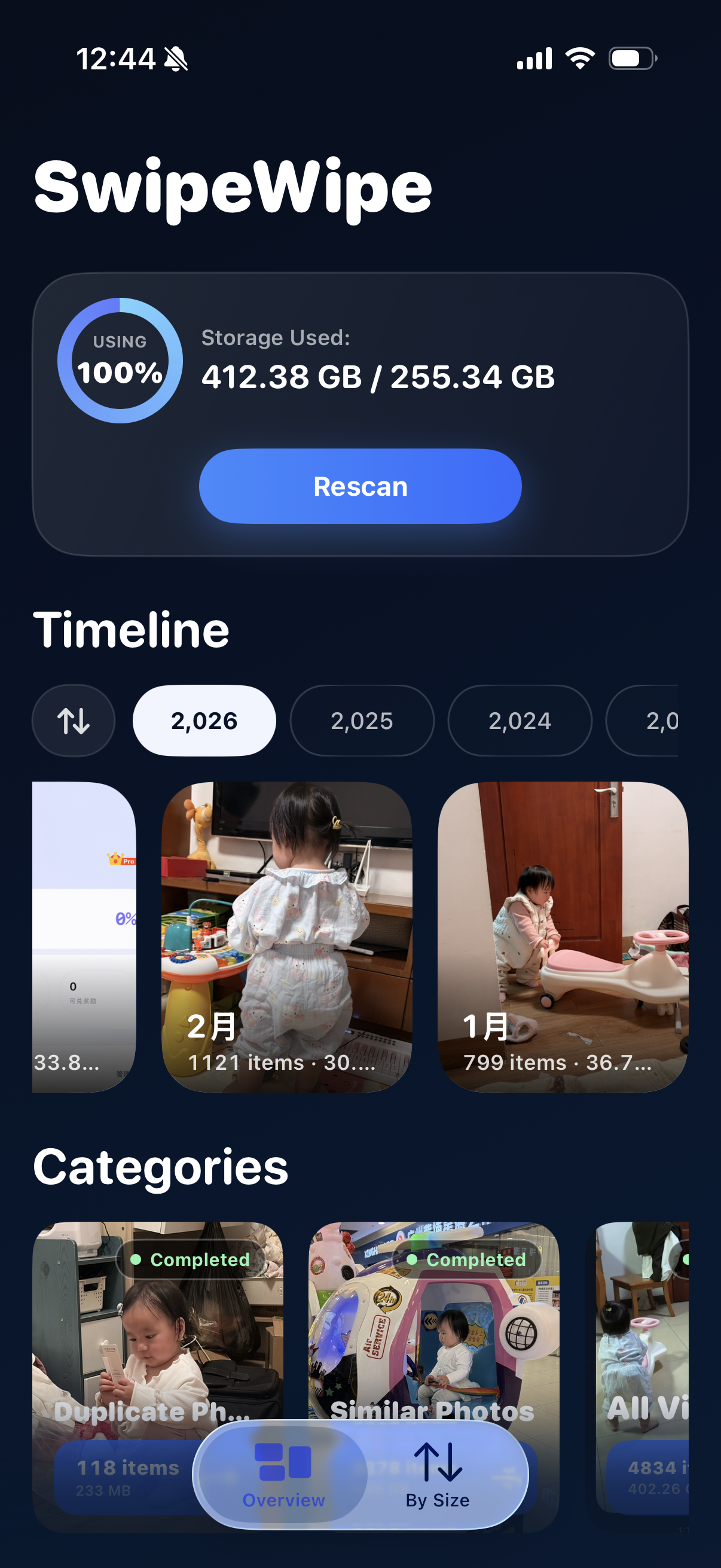
SwipeWipe lets you review your library in a way that feels more like paging through time than managing clutter. That makes it easier to start, easier to stop, and easier to come back later.
SwipeWipe is not only about one interaction. It is also built for the clutter that tends to accumulate quietly: duplicates, similar shots, screenshots, Live Photos, and large videos.
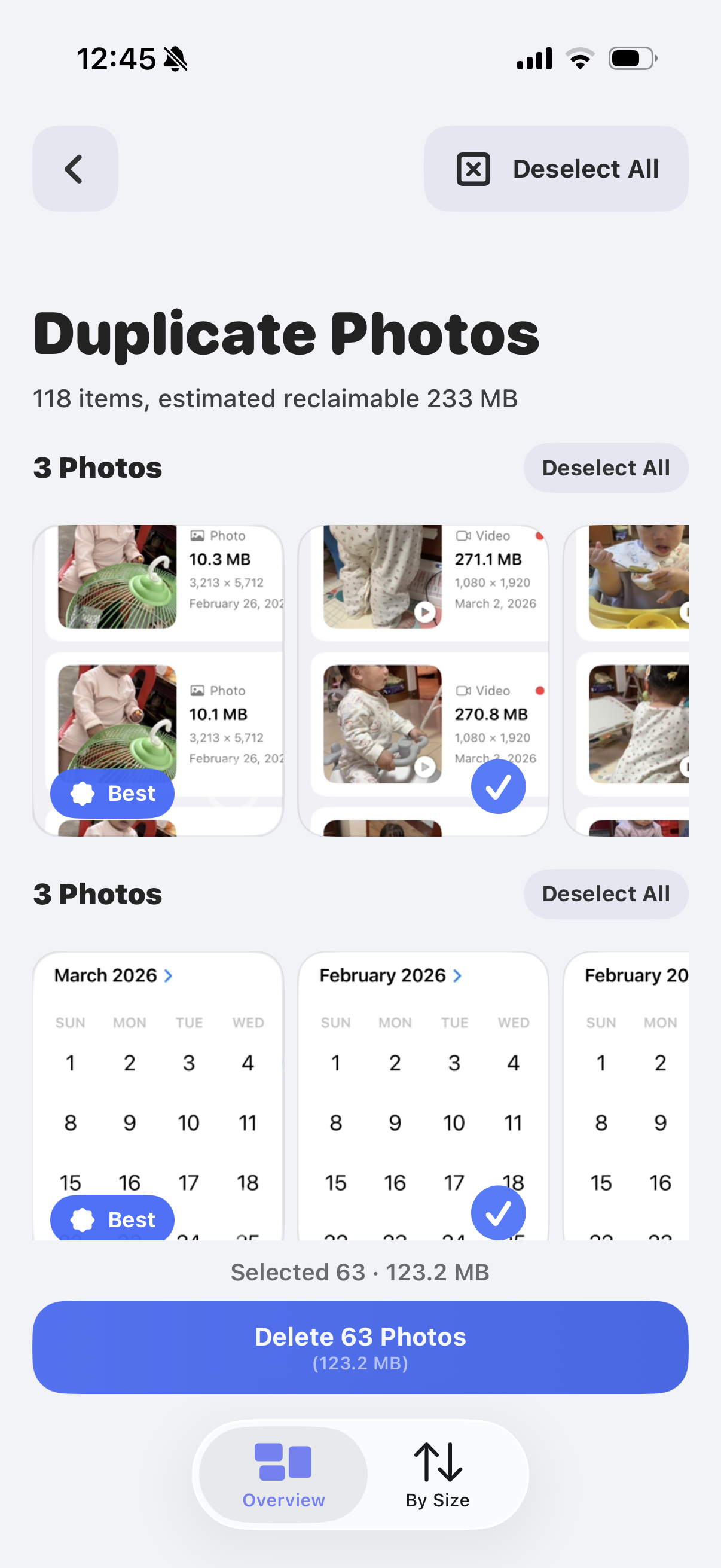
Clear obvious repeat shots without turning duplicate cleanup into a long manual review.
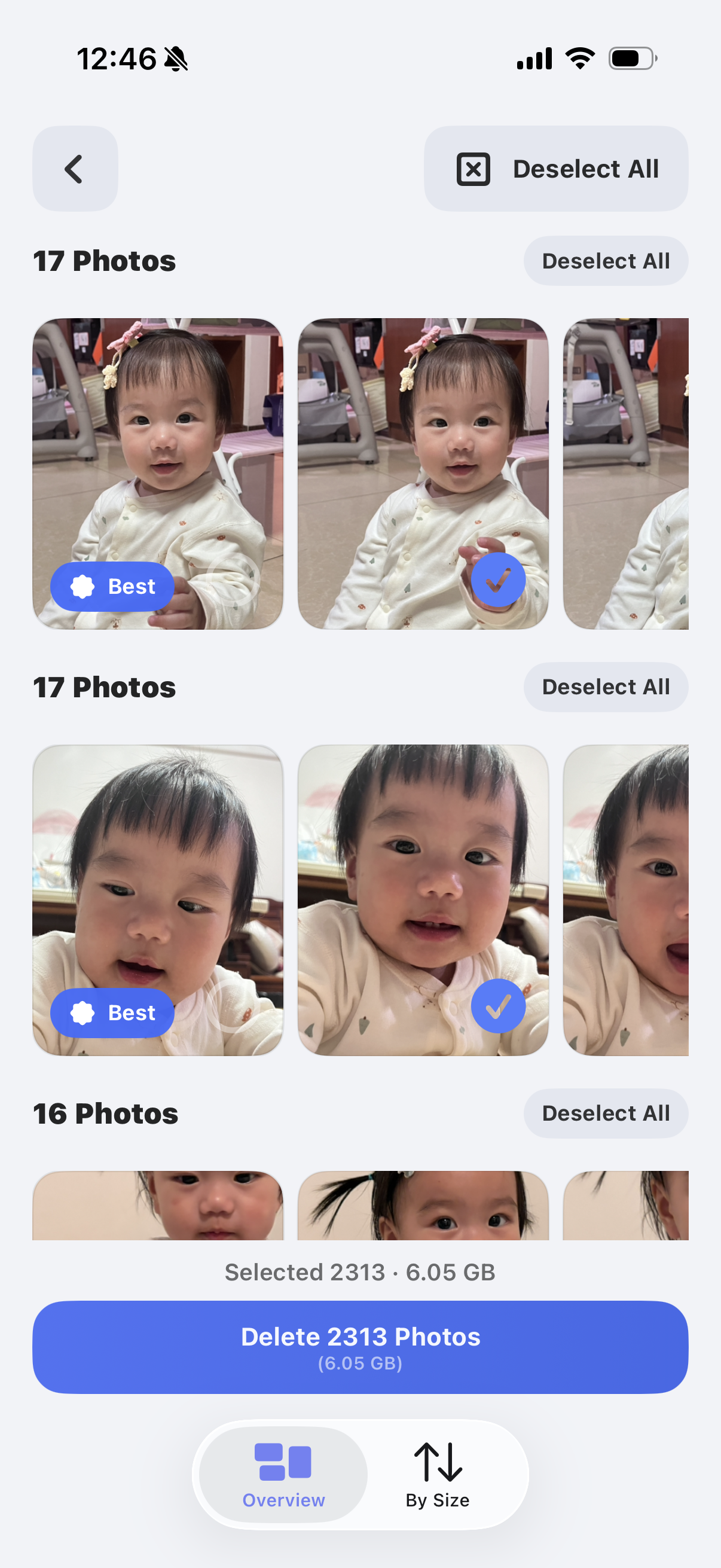
Make cleaner decisions when several photos feel almost identical at first glance.
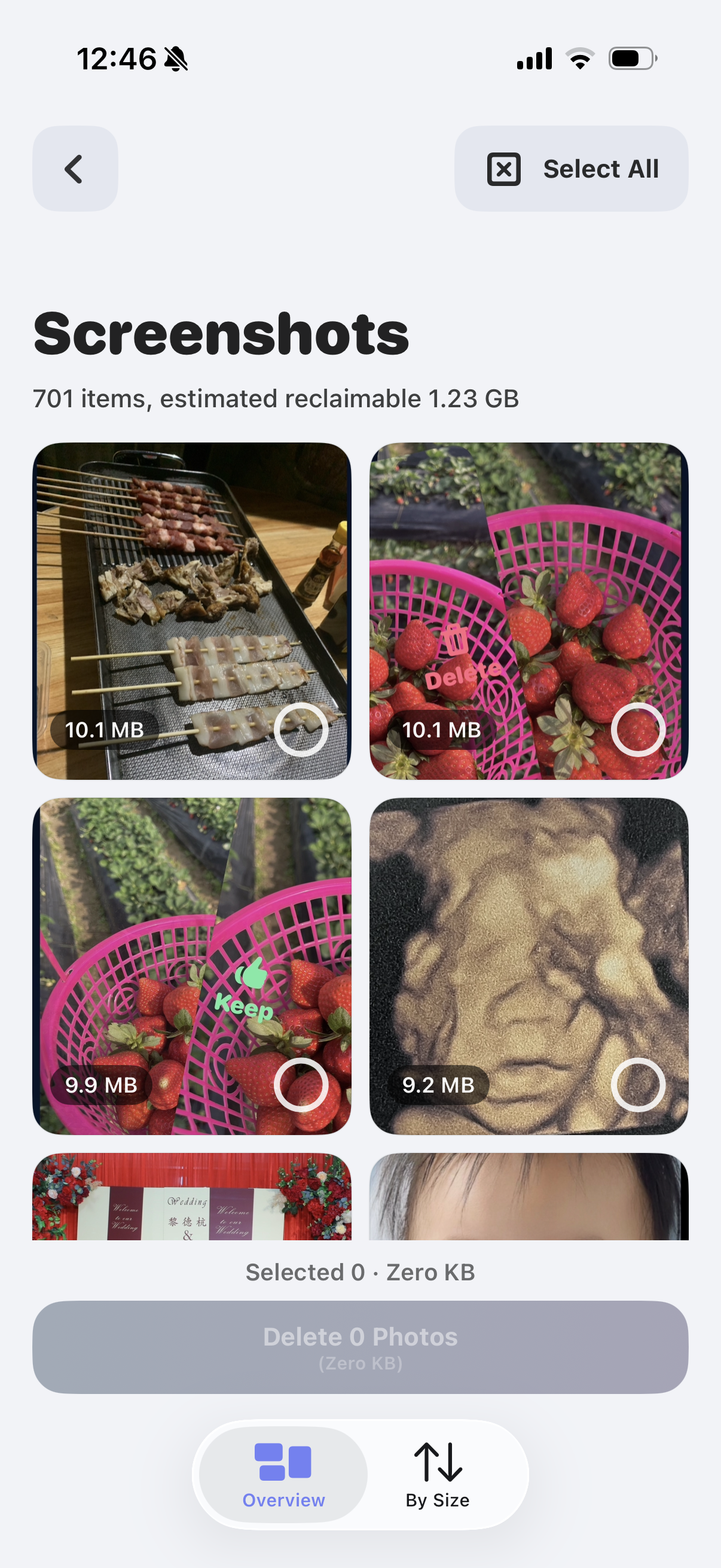
Quickly remove throwaway references, receipts, and saved chats that keep piling up.
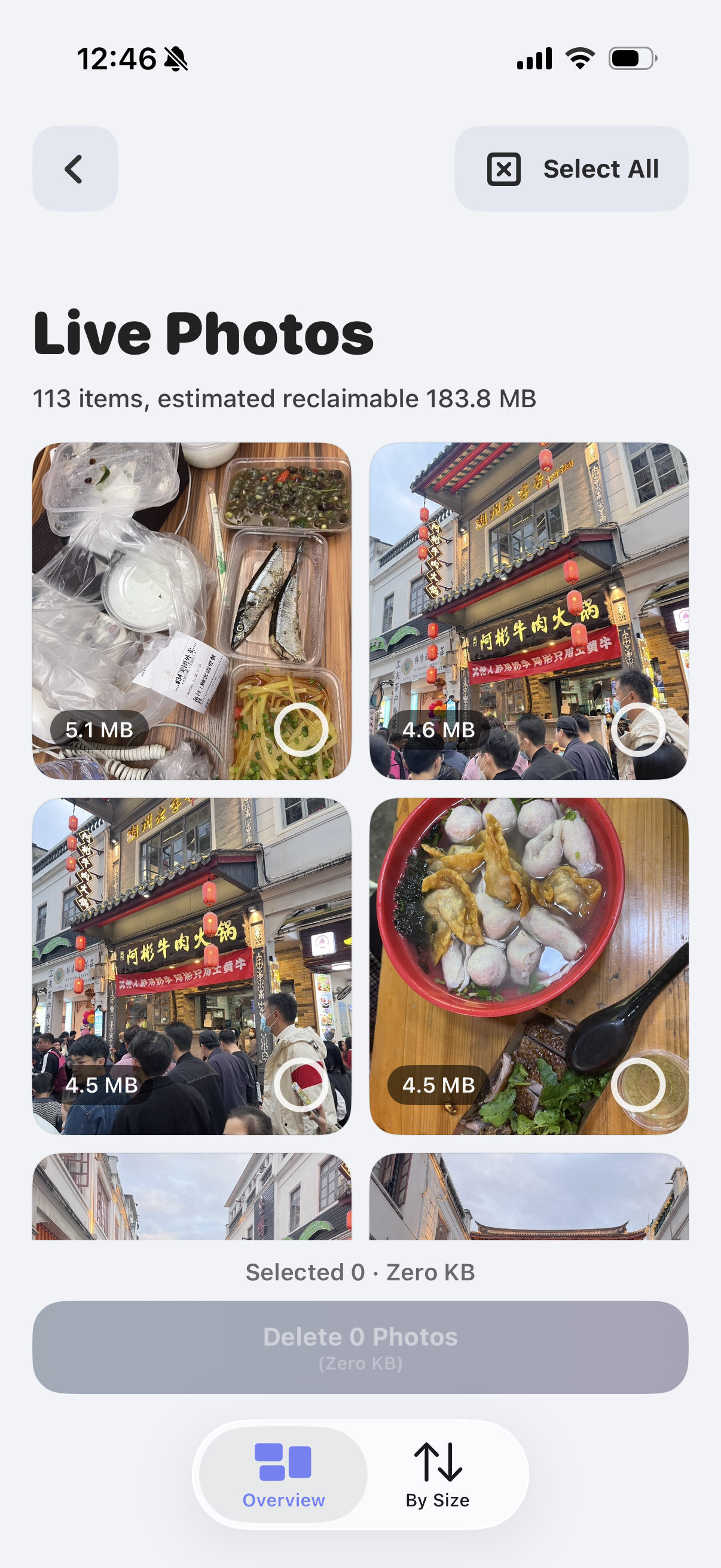
Review memory-heavy Live Photos when you want a lighter library without losing everything meaningful.
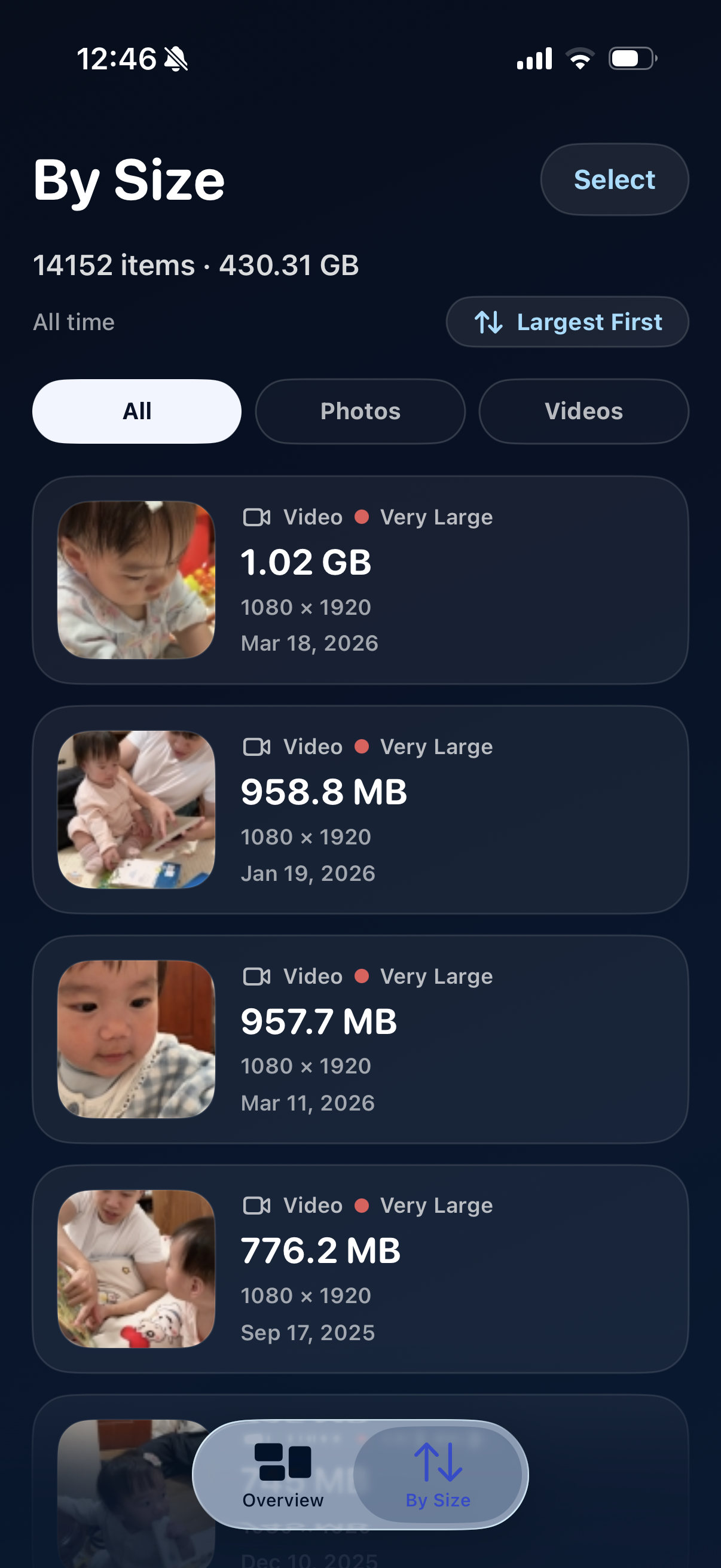
Spot the biggest storage offenders before they quietly take over your phone.
These pages stay on the site for the moments when you know exactly what kind of clutter you want to tackle next.
For repeat shots, extra copies, and burst leftovers you want gone fast.
Open the page →Best for those near-identical shots where you still need to pick the true keeper.
Open the page →Use this path if screenshots are taking over your Photos library faster than anything else.
Open the page →Start here when the real goal is simply making space again without panic deleting.
Open the page →A tutorial for people who want to understand the cleanup method before they choose a tool.
Read the guide →A comparison-style page for understanding what matters when choosing any iPhone photo cleaner.
Read the guide →No. The swipe-first experience is broader than duplicate cleanup. You can browse by month, review similar shots, clear screenshots, trim Live Photos, and sort videos by size.
Because it turns photo cleanup into a sequence of lighter visual decisions. You are not trying to organize your whole library in one sitting.
Both. It helps you make space, but it also makes the act of cleaning your library feel less mechanical and more reflective.
Yes. That is one of the main points of the experience. Moving month by month is what helps cleanup feel manageable.